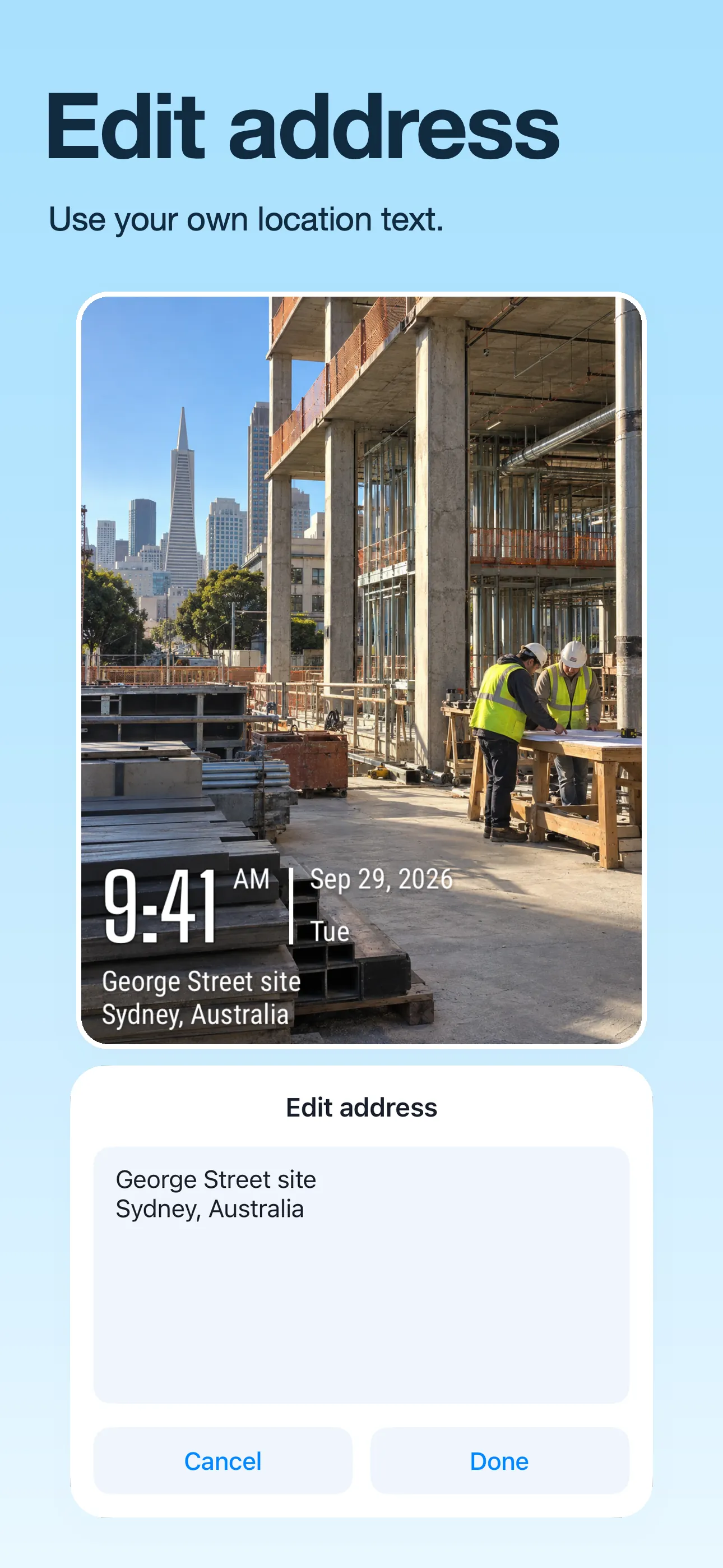
Add the site name, floor or room
A street address may not show which floor or room you worked in. Add the site name, floor or room number to make it clear.
Check the address and GPS coordinates
Choose a watermark with address or GPS fields. Check each field before saving. For an older photo, use the location of that photo, not your current location.
Use the same site name on related photos
Use the same site or job name on photos from the same work. Add the floor or room number when needed.
Changing the label does not verify the location
You can edit the address written on the photo. This does not change where the photo was taken or prove that the GPS coordinates are correct. It does not edit the GPS data stored inside the photo file.
Good to know
Can I use a site name instead of a street address?
Yes. You can customize the address text in a supported watermark, for example with a project or site name.
Can I label an existing photo?
Yes. Import a photo from your album, choose a suitable watermark, and edit the displayed location details before saving.